3rd-party CA
OpenZiti supports adding identities where the key and certificate are provided by a 3rd-party CA.
Prerequisites
- ZDEW 2.5.2+
- a 3rd-party-ca (
ca) has been configured and verified in the OpenZiti Network - an identity exists with an
external-idproperly mapped to a claim, see External Id & x509 Claims - The CA's JWT has been transferred to the computer running the ZDEW
Obtaining the 3rd-party CA JWT
Adding an identity to a Windows machine that uses a 3rd-party CA requires the user or an operator to obtain a JWT ahead of time. This can be done in two different ways.
Obtain the 3rd-party CA JWT - ZAC
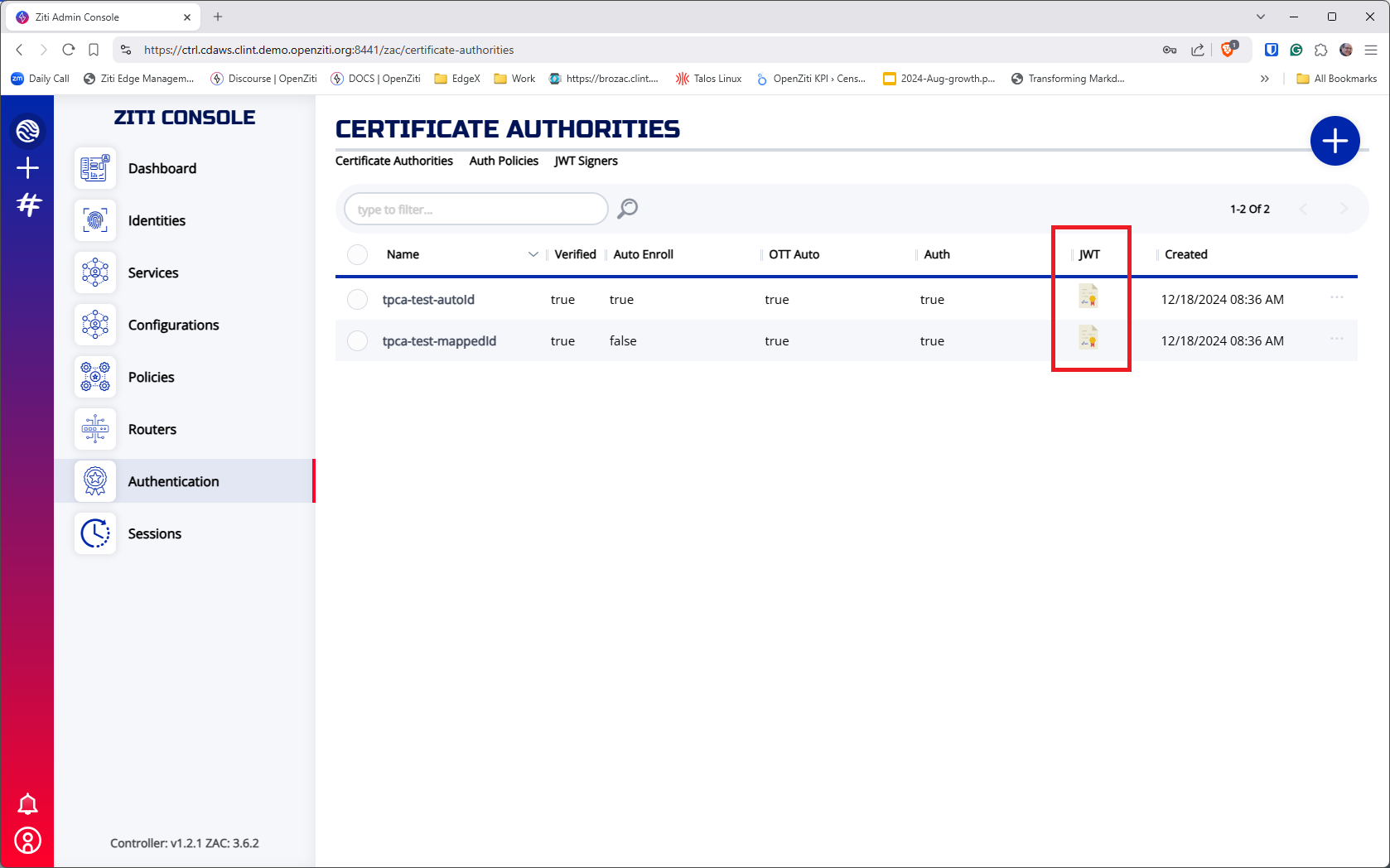
Obtain a 3rd-party CA's JWT using the Ziti Admin Console. From the Authentication->Certificate Authorities page, click the icon in the JWT column for the appropriate CA and send the JWT to the user trying to add an identity.
Obtain the 3rd-party CA JWT - shell
Alternatively, a request can be made to the OpenZiti controller's API to return the JWT. Make an HTTP GET to the controller's
/edge/management/v1/cas/${ca_id}/jwt endpoint and save the JWT into a file. Using bash with curl this might look
something like:
curl -X GET -sk \
    -H "Content-Type: application/json" \
    -H "zt-session: ${zt_session}" \
    -o ${pki_root}/auto.jwt \
    "https://my.openziti.controller.local:443/cas/${ca_id}/jwt"
Add the identity
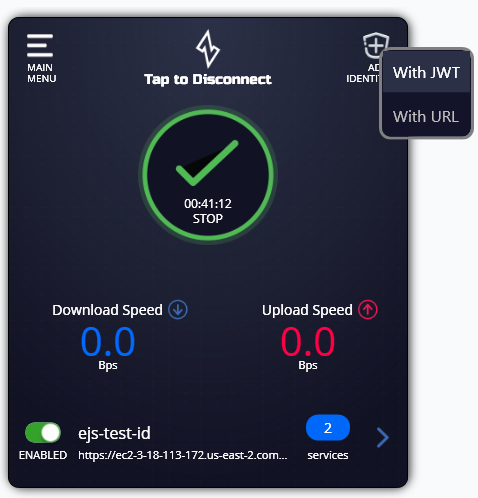
With the JWT for the CA on the machine running the ZDEW, click the "ADD IDENTITY" button in the top right of the screen. After the context menu pops up choose "With JWT". In the file dialog, select the 3rd-party CA JWT file.
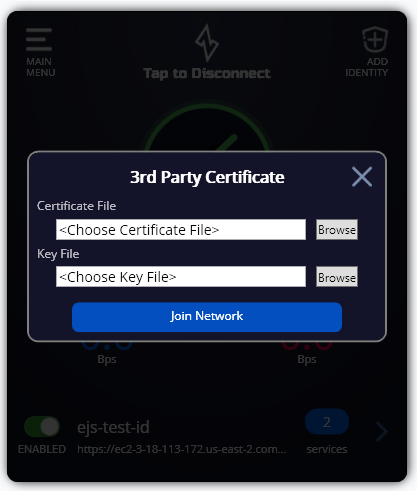
After selecting the file, a dialog will appear asking for the key and certificate to use when adding the identity. Select the appropriate key and certificate and click "Join Network"